
From Paper Chaos to Digital Clarity: How the reMarkable Tablet Supports a Leadership System

The Problem Isn’t Taking Notes — It’s Trusting Them
For most of my life, I didn’t struggle with taking notes. I struggled with finding them.
If you had walked into my office years ago, you would have seen the evidence everywhere: legal pads with three pages used and the rest abandoned, sticky notes stuck to folders and laptops, scraps of paper with phone numbers or ideas, even envelopes with half‑written thoughts. I wrote wherever I could find space.
And in the moment, it felt productive. You capture the thought. You write the action item. You jot down the reminder. For a few minutes, you feel organized.
Then three days later, you need that note.
That’s when the system collapses.
I would remember writing something down, but not which piece of paper. Was it the yellow legal pad? The back of a meeting agenda? The notebook from last week? The sticky note I moved from my desk to my laptop and then accidentally threw away?
A note you cannot find is almost the same as a note you never took.
That realization changed the way I thought about leadership, follow‑through, and the systems we depend on. Leaders don’t just need to take notes — they need a trusted way to retrieve them, review them, and act on them.
That’s the real problem the reMarkable helped me solve. But the device alone wasn’t the solution. The solution was a leadership system.
Why My Old Note‑Taking System Failed
For years, I assumed my note‑taking problem was discipline. I thought I needed to write more, plan better, or get more serious about organization.
But the truth was simpler: I didn’t have a retrieval system.
I was already capturing ideas, commitments, reminders, lessons, and observations. The failure wasn’t in the writing — it was in the finding.
Leadership depends on follow‑through. Follow‑through depends on memory. Memory depends on systems.
When your notes are scattered across too many places, they lose their power. Good thoughts become hidden thoughts. Follow‑up items become forgotten promises. Ideas become clutter instead of clarity.
I tried planners. I tried notebooks. I tried digital apps. I tried everything except a system I could trust.
Travel finally exposed the weakness. Airports, hotels, rental cars, conference rooms — the more I moved, the more my notes disappeared into the chaos of paper.
I didn’t need a better notebook. I needed one place where my notebooks could live.
From Paper Choas to Digital Clarity, What Made Me Try the reMarkable Tablet
I discovered the reMarkable early enough that I bought the first version through Kickstarter. The promise was simple: a digital notebook that felt like paper.
Not a laptop replacement. Not an entertainment device. Not a tablet full of apps.
Just a place to write, think, read, and organize.
That focus caught my attention.
Today, I’m on my second reMarkable, and it has become one of the few pieces of technology I genuinely enjoy using. Not because it does everything, but because it does the right things well — especially for leadership.
It gives me the part of paper I always loved: the ability to think with a pen in my hand. And it removes the part of paper that always caused me trouble: the scattered, fragile, easy‑to‑lose nature of physical notes.
But the real transformation didn’t come from the device. It came from pairing the device with a leadership system.
The Four-Part Genuine Mentor Leadership System
Over time, I realized that the reMarkable wasn’t just a digital notebook — it was the notebook inside a larger leadership system. That system became the backbone of how I lead, mentor, plan, and follow through.
Here’s the framework I use every day:
1. Capture Everything
Record decisions, commitments, observations, ideas, and follow‑up items in the moment. Reduce dependence on memory. Capture first, organize later.
2. Organize Consistently
Use predictable folders, naming conventions, and templates so information has a logical home. A simple system used consistently beats a complex system used occasionally.
3. Review Intentionally
Schedule deliberate reviews of daily notes, one‑on‑ones, development plans, and open commitments. Retrieval is where leadership clarity emerges.
4. Follow Through Faithfully
Convert notes into action. Close loops. Keep promises. Revisit people‑related commitments. Communicate progress.
Technology doesn’t make us organized. Habits do. The right tool simply removes enough friction that good habits become easier to maintain.
The reMarkable became that tool for me.
What I Like Most About the reMarkable — As a Leader
A writing experience that still feels intentional
Typing is efficient. Handwriting is reflective.
Leadership requires reflection. The reMarkable slows me down just enough to listen, think, and process. I can underline, sketch, circle, and annotate — all the things that make handwritten notes meaningful.
Organization that makes handwritten notes retrievable
Folders, notebooks, naming conventions — all inside one device. No more chasing notes across pads, sticky notes, and scraps of paper.
Templates that create consistency
This is where the device becomes a leadership tool.
A blank page invites randomness. A structured page invites clarity.
I use templates for:
One-on-one meetings
Individual Development Plans
Daily Notes
Weekly reflection
Project Notes
Leadership conversations
These templates shape the way I think, listen, and follow through.

PDF markup for focused review
I can read documents, underline key ideas, and make margin notes without printing anything. It keeps my reading focused and my desk uncluttered.
Handwriting conversion when typed text is useful
Some notes stay handwritten. Others need to become summaries, follow-up messages, or articles.
Conversion creates a bridge between reflection and communication.
A distraction-free environment
No email. No browser. No notifications.
Just thinking.
In a world full of multipurpose devices, a single-purpose tool is a gift.
What the reMarkable Does Not Do Well
A candid review matters — especially for leaders.
Here are the limitations:
Price — It’s not cheap, and accessories add up.
Learning curve — You must build a filing habit.
Not a full tablet — No apps, no browser, no color display.
Subscription considerations — Some features require Connect.
Not for everyone — If you prefer typing or need a multipurpose device, an iPad may serve you better.
The reMarkable is not a magic solution. It’s a tool that supports a system.
Who Should Consider a reMarkable
Leaders and managers who run frequent meetings
Mentors, coaches, pastors, and sales professionals
Students, engineers, writers, and travelers
Anyone whose real problem is scattered paper
Anyone who values handwriting and focus
Anyone willing to maintain a consistent system
The device helps — but only if you use it inside a system you trust.
How I Use My reMarkable Every Day
Daily planning and reflection
My day begins with two systems. I use Outlook to plan my day, by the hour, and schedule all my meetings. I use the remarkable with planner pages to document priorities, commitments, people to encourage, and tasks that matter. These daily notes feed into my future plans and my future to dos.
One-on-one meetings
I use a template that captures:
Key topics
Questions asked
Decisions made
Commitments
Follow-up items
This structure keeps conversations meaningful and consistent.
Individual Development Plans
Every direct report has an IDP template with:
Objectives
Risks
Decisions
Next steps
Ownership
It keeps development conversations focused and accountable.
Project planning and leadership thinking
Arrows, diagrams, lists, questions — handwritten thinking is still the best way I process complex ideas.
Travel and meetings
Airports, hotels, conference rooms — the reMarkable travels well and keeps my notes in one place. My meeting notes are quick bullet points about key topics in the meetings.
The Templates I Use Every Day
Templates are the bridge between leadership intention and leadership consistency.
I use:
Daily Planner — priorities, commitments, reflection
One-on-One Template — structure for meaningful conversations
IDP Template — development clarity and accountability
Project Planning Template — decisions, risks, next steps
Weekly Reflection Template — what went well, what needs attention, who needs encouragement
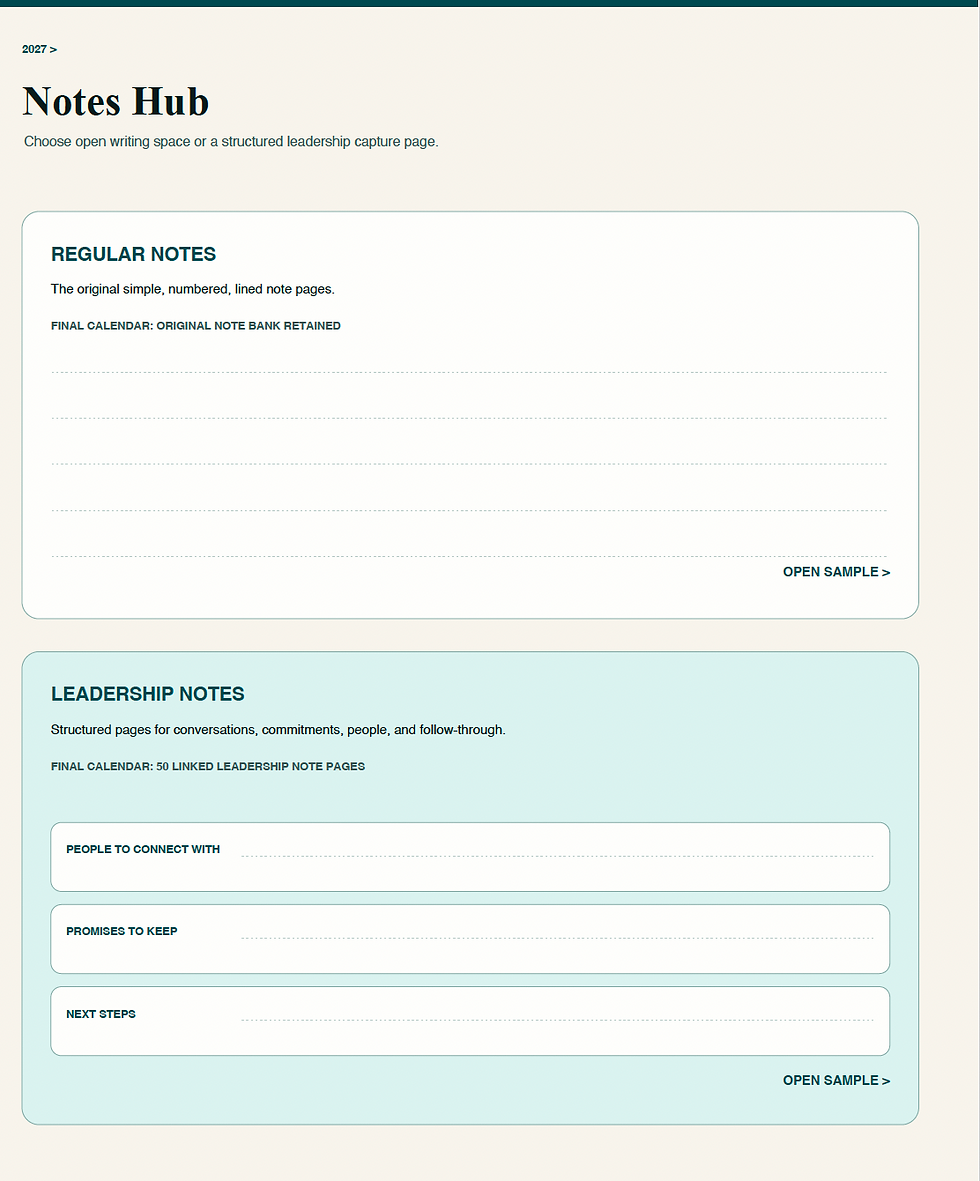
These templates are available through The Genuine Mentor, and they’re the same ones I use every day.
Final Thoughts: The Best System Is the One You Will Use
The reMarkable didn’t make me organized overnight. It didn’t replace discipline. It didn’t solve every problem.
But it solved one of my biggest problems: It gave me one trusted place to capture handwritten notes, organize them, and find them again.
That changed everything.
Before, I had paper everywhere. Now, most of what I need begins in one place.
Before, I had notes without a home. Now, I have notebooks, folders, templates, and a workflow.
Before, I often knew I had written something down but couldn’t find it. Now, I have a much better chance of retrieving the thought when I need it.
That’s the real value.
The value is not the device itself. The value is what the device makes possible.
For me, it makes it easier to listen well, think clearly, capture ideas, prepare for conversations, and follow through on commitments.
For me, the reMarkable became the tool at the center of that system.
Next Step
If you want to build a leadership system you can trust — one that helps you follow through on what matters most — I’ve created the same templates I use every day, these templates started as rough ideas and evolved into a tool anyone can use. You can find them at The Genuine Mentor.
My hope isn’t that you buy the same device I use. It’s that you build a system you’ll actually trust and use daily. Find your own way to move from paper chaos to digital clarity.


Comments